If you’ve shipped a machine learning model on a Mac, you’ve probably noticed CoreML asking you to choose a Compute Unit: CPU only, CPU and GPU, or All. The “All” option includes a third processor most developers haven’t dealt with directly — the Apple Neural Engine (ANE, or just NE). This post walks through what the NE actually is, how it differs architecturally from the CPU and GPU, and how to think about which workloads belong on which.
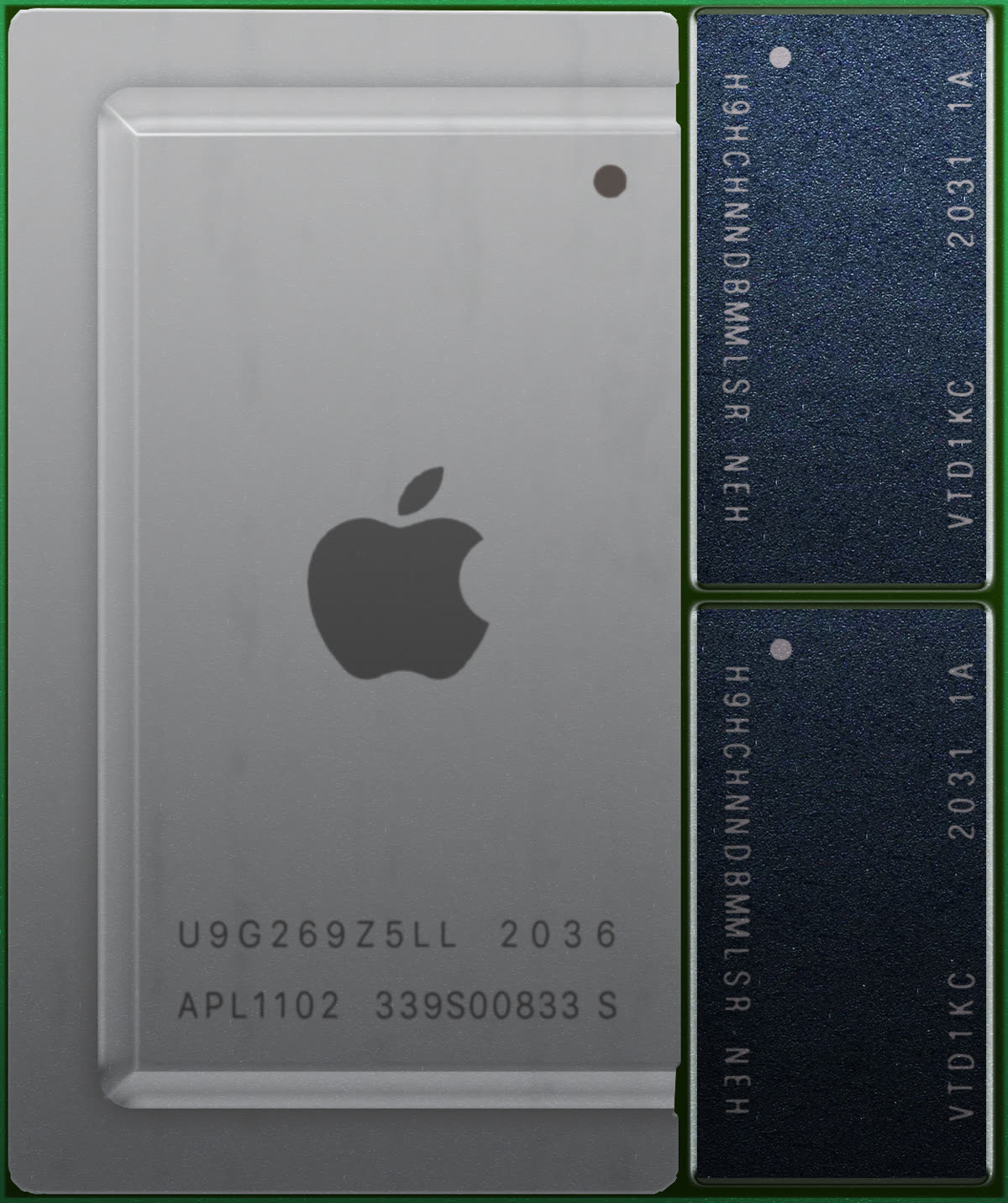
The Three Compute Units on Apple Silicon
A modern M-series chip integrates three classes of processor on a single die, all sharing one unified memory pool:
flowchart TB
    subgraph SoC["Apple Silicon SoC"]
        CPU["CPU<br/>P-cores (4-12)<br/>E-cores (4-8)"]
        GPU["GPU<br/>(10-76 cores)"]
        NE["Neural Engine<br/>(16 cores)"]
        MEM[("Unified Memory<br/>(LPDDR, 8-192 GB)")]
        CPU --- MEM
        GPU --- MEM
        NE --- MEM
    end
All three units read and write the same physical RAM, which is the architectural superpower of Apple Silicon: there’s no PCIe transfer cost when handing data between the CPU, GPU, and NE.
What Each Unit Is Good At
A rough mental model:
| Unit | Strength | Where it shines | Where it stalls |
|---|---|---|---|
| CPU | Branchy, latency-sensitive, sequential code | Control flow, single-threaded throughput, anything with unpredictable memory access | Massively parallel SIMD math |
| GPU | Massively parallel float32/float16 math | Graphics, large dense matrix ops, custom kernels via Metal | Heavy branching, small workloads (overhead dominates) |
| Neural Engine | Fixed-function neural network inference (int8, fp16) | Convolutions, attention blocks, matrix multiplies in the shapes ML models use | Custom ops, dynamic shapes, anything outside the supported op set |
The Neural Engine is the most specialized of the three. Where the GPU is a flexible parallel processor that can do ML well, the NE is a fixed-function accelerator that only does ML — and pays for that narrowness with dramatic efficiency gains for the workloads it does support.
Why the Neural Engine Wins on Power
The headline number Apple cites is 15.8 trillion operations per second on the M2’s Neural Engine, and more on later chips. The more interesting property is not throughput but operations per watt: the NE reaches comparable latency to the GPU on the workloads it supports while drawing substantially less power, because a fixed-function unit spends no transistors on being general.
The implication for laptops is the practical one. Heavy inference parked on the GPU spins the fan up and drains the battery; the same work on the NE can stay quiet. For anything running continuously — live segmentation, background photo analysis — that is the difference between an app people leave open and one they quit to save battery.
Resist the urge to attach specific numbers to that claim without measuring your own model, though. Published TOPS figures describe peak capability under ideal conditions, and the gap between that and what your graph achieves depends entirely on whether your ops, shapes and precisions are ones the NE handles. The rest of this post is largely about that gap.
How you actually reach the NE
There is no public API for the Neural Engine. You cannot write a kernel for it the way you write Metal for the GPU or BNNS for the CPU. The only supported route is to hand a model to CoreML and let its compiler decide.
That has a few consequences worth internalising before you start optimising:
computeUnits = .allis permission, not instruction. It tells CoreML the NE is allowed, not that it will be used. If your ops do not fit, CoreML silently places them elsewhere and you get a working model with none of the efficiency you were expecting.- There is no runtime query for where an op ran. Placement is inspected offline, with Xcode’s performance report. At runtime, the API surface simply does not expose it.
- Models are compiled per device. A
.mlpackageis compiled to.mlmodelcfor the machine it will run on, and that compilation is not free — seconds, sometimes. Cache the compiled artifact and load that instead, or you pay it on every launch.
How CoreML Decides
When you load a model with MLModelConfiguration().computeUnits = .all, CoreML doesn’t blindly run everything on the NE. It analyzes the model graph and partitions it across all three units based on what each one supports best:
flowchart TB
    M["ML Model Graph<br/>Conv → ReLU → Custom → Conv → Softmax"]
    M --> C[CoreML graph compiler]
    C --> NE["NE<br/>Conv, ReLU, Conv"]
    C --> GPU["GPU<br/>Custom layer<br/>(no NE support)"]
    C --> CPU["CPU<br/>Softmax<br/>(small, fast on CPU)"]
The graph is sliced into segments, each segment runs on whichever unit handles it best, and CoreML automatically schedules the data movement between them. In practice, for any non-trivial model you’ll see all three units active during inference — even if 80% of the math is on the NE.
The decision isn’t perfect. Sometimes CoreML places a small op on the GPU when the CPU would be faster (because the round-trip overhead matters more than the per-op speed). The flag computeUnits = .cpuAndNeuralEngine tells CoreML “skip the GPU even if you think it would help” — useful when you’ve measured and the GPU path is slower for your specific model.
(See Porting WobblePic to macOS for a real-world ONNX-to-CoreML migration.)
What the NE Can’t Do
The fixed-function nature has costs. The NE supports a specific set of operations and tensor layouts. If your model uses anything outside that set, those ops fall back to the GPU or CPU. Common gotchas:
| Issue | Why | Workaround |
|---|---|---|
| Dynamic shapes | NE prefers static shapes baked at compile time | Use fixed input dimensions; pad/crop instead of variable sizing |
| Non-standard activations | Only common activations (ReLU, GELU, etc.) are NE-native | Replace with standard ones during model conversion |
| Custom ops | NE has no equivalent of CUDA kernels | Run the custom op on GPU or CPU; keep the rest on NE |
| Very small models | Compile + dispatch overhead dominates | CPU is often faster for sub-1M-parameter models |
| fp32-required precision | NE is optimized for fp16/int8 | Quantize the model, or pin precision-sensitive ops to GPU |
The “very small models” entry surprises people — there’s a per-inference overhead of dispatching to the NE that’s measured in hundreds of microseconds. For a model that takes 50 microseconds on CPU, that’s pure loss.
The entry that bites hardest, though, is the first one, and not for the reason it suggests. Static shapes are necessary but not sufficient: a model can have perfectly fixed dimensions and still be turned away because those dimensions are large. Apple does not publish the internal buffer limits, so the only reliable way to find out is to compile the model and look.
A case where the NE was not an option
WobblePic segments objects with SAM2, whose image encoder takes a fixed 1024×1024 input — exactly the static-shape setup the NE is supposed to want. On Apple Silicon it runs through Apple’s own CoreML conversion of the model. And it does not touch the Neural Engine at all.
SAM2’s Hiera backbone at that resolution does not fit what the NE will accept, so the encoder is loaded with ComputeUnit.CPU_AND_GPU and runs there in about 310 ms — perfectly good, and the app ships that way.
The instructive part is what happens if you leave it on .all and trust CoreML to sort it out. Rather than skipping the NE cleanly, CoreML attempts the NE compilation, fails, and falls back — burning roughly 16 seconds on first load before arriving at the same CPU + GPU placement it would have picked immediately if told to. The failure is not in the inference, where you would look for it. It is in the compile, once, at startup, in a phase most profiling never covers.
There is a second lesson in the same code. The identical CoreML path on an Intel Mac takes about 26 seconds per encode — same framework, same model format, same operating system, and a number so far outside interactive range that Intel Macs run ONNX Runtime on the CPU instead, at ~3 s. Nothing about “we use CoreML” survives the move between the two Macs.
So the guidance is narrower than “trust .all”:
- Trust CoreML’s partitioning after you have confirmed the units you expected are the units you got.
- Measure the load path, not only the inference path. A one-off 16-second cost is invisible to a benchmark that times steady-state inference.
- Once you know the answer, pin it. An explicit compute-unit choice is documentation for the next person as much as it is a performance fix.
Quantization Matters More Than You’d Think
The NE is a half-precision and integer machine: fp16 is its native currency, and int8 buys further headroom where the model tolerates quantisation. Full fp32 is not something it runs faster or slower — it is a reason for work to end up somewhere else entirely, because CoreML will place precision it cannot serve on the GPU or CPU.
This is why converting to fp16 is the standard first move on Apple Silicon. The architecture is unchanged, the weights are simply stored narrower, and for vision and language models the accuracy cost is usually negligible.
CoreMLTools makes this conversion fairly mechanical for most architectures:
import coremltools as ct

mlmodel = ct.convert(
    pytorch_model,
    convert_to="mlprogram",
    compute_precision=ct.precision.FLOAT16,  # <-- key setting
    minimum_deployment_target=ct.target.macOS14,
)
Recent coremltools versions already default mlprogram conversions to FLOAT16, so this line is often confirming the behaviour rather than changing it — which is worth knowing before you credit it for a speedup you already had.
Measuring What Actually Runs Where
CoreML doesn’t tell you out of the box where each op landed. The way to find out is Xcode’s CoreML Performance tool, which prints a layer-by-layer breakdown:
| Layer | Unit | Time | Note |
|---|---|---|---|
| conv1 | NE | 0.42 ms | |
| bn1 | NE | 0.08 ms | |
| relu1 | NE | 0.05 ms | |
| custom_op | CPU | 1.20 ms | ← outlier |
| conv2 | NE | 0.38 ms | |
| … |
If you see a single layer taking 10× the time of its neighbors, it’s almost always a layer that fell off the NE onto the CPU. Either rewrite the model to avoid that op, replace it with an NE-supported equivalent, or accept the cost.
For automated profiling without Xcode, the lower-level os_signpost API can mark NE/GPU/CPU transitions, and you can grep Console.app for them after a run.
Beyond Apple: What This Tells Us About AI Hardware
The NE is part of a broader trend: every major mobile and desktop chip vendor is shipping a dedicated neural accelerator. Qualcomm has the Hexagon NPU, Intel has the AI Boost (NPU on Core Ultra), AMD has XDNA, and Google has TPU. Each is fixed-function for the same reason — modern ML inference is dominated by a small handful of operation types (convolutions, matmuls, attention), and a chip designed exclusively for those operations is dramatically more efficient than a general-purpose GPU running the same workload.
The downside is fragmentation: each accelerator has its own SDK, its own supported op set, and its own quirks. Cross-platform ML deployment increasingly means targeting a specific accelerator on each platform — CoreML/NE on Apple, DirectML/NPU on Windows, NNAPI on Android — rather than writing once and shipping everywhere.
Wrapping Up
A practical mental model:
- NE is a specialist. It does ML inference brilliantly and almost nothing else. For the workloads it supports, nothing beats it on power efficiency.
- GPU is a generalist. A little slower than the NE on ML, but it takes custom ops, graphics, and any kernel you care to write in Metal — and it is where work lands when the NE declines.
- CPU is the fallback. It handles whatever the other two can’t, plus the control flow between them.
.allis a request, not a result. Start there, then verify the placement you actually got — and pin it once you know.- Quantize. fp16 is the working default; int8 if your accuracy budget allows.
- Big static shapes are not automatically NE-friendly. Fixed dimensions are the entry requirement, not the whole test.
The honest summary is that on Apple Silicon the NE is doing a great deal of work you never asked it to do, and occasionally none of the work you assumed it was doing. Both are worth checking before you optimise anything.