Windows’ built-in Photos app gets the job done, but it’s slow to start, limited in format support, and not particularly fun to use. If you spend any amount of time browsing images, a dedicated viewer can make a real difference. Here’s a look at the best free image viewers available for Windows in 2026 — each with its own strengths.
Quick Comparison
| Viewer | Price | Best For |
|---|---|---|
| JPEGView | Free (open source) | Fastest viewer with real-time image adjustments |
| PicView | Free (open source) | Instant image transitions, comic/archive files |
| HoneyView | Free | Archive browsing, GPS photo mapping |
| IrfanView | Free (personal) | 500+ formats via plugins, batch processing |
| FastStone | Free (personal) | Explorer-style browsing, 4-image comparison |
| XnView MP | Free (personal) | Cross-platform, metadata editing |
| Imagine | Freeware | Animation creation, panorama generation |
| ImageGlass | Free (open source) | Modern tabbed UI, theme customization |
| WobblePic | Free | Interactive wobble physics, AI segmentation |
JPEGView — The Speed Demon
JPEGView is as lean as it gets. It launches in under a second, runs as a portable executable with no installer needed, and supports a wide range of formats including RAW files from major camera brands.
What sets JPEGView apart is its real-time image adjustment capabilities — sharpen, color balance, contrast, and exposure correction all happen live as you view. It uses AVX2/SSE2 instructions and up to 4 CPU cores for parallel processing, making it remarkably fast even with large images.
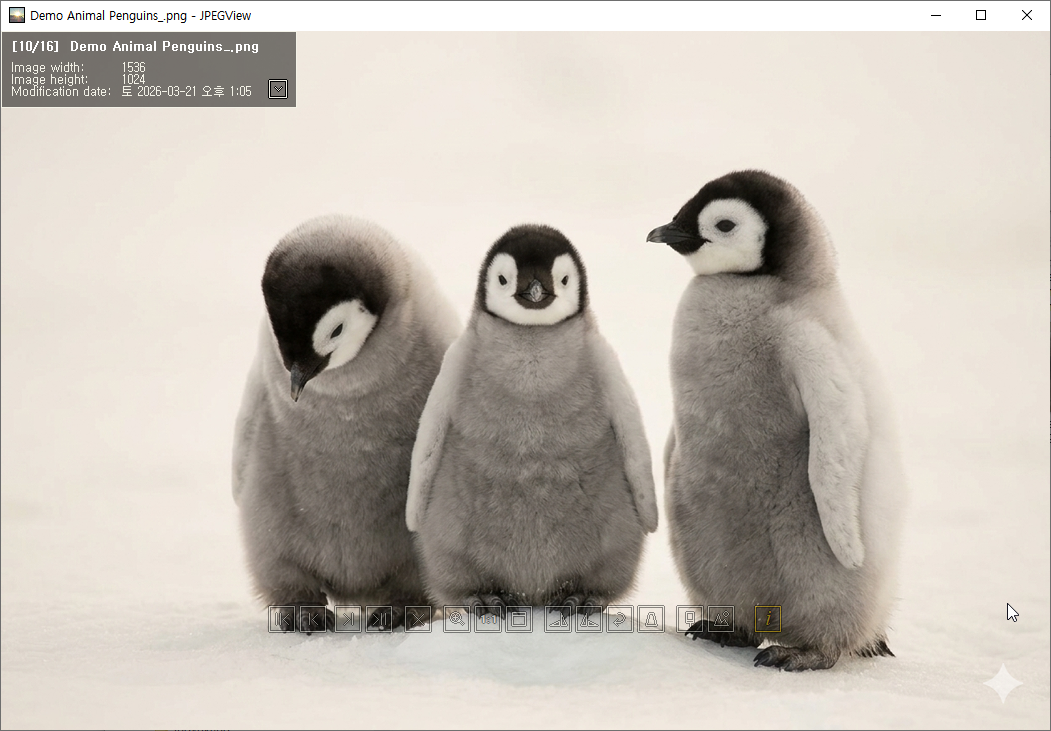
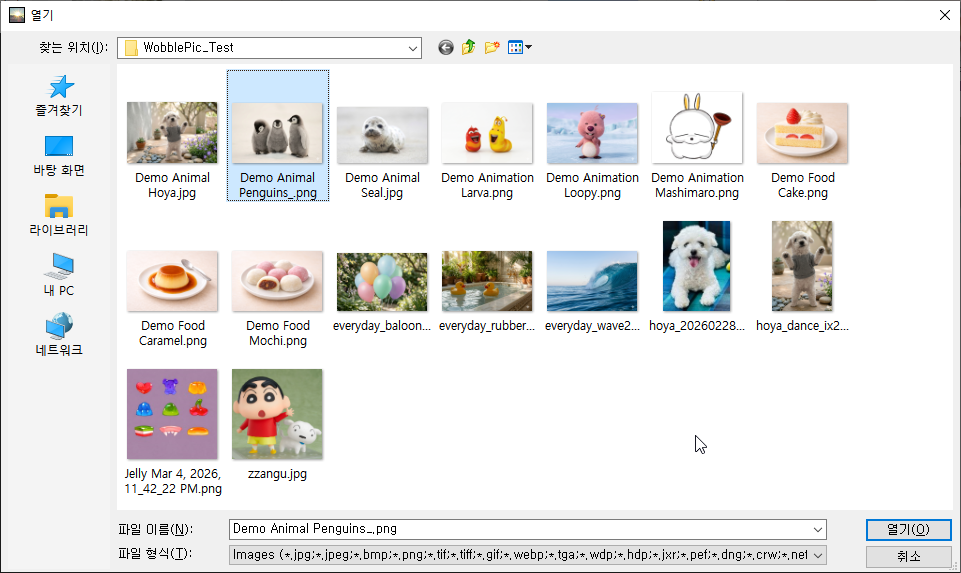
Best for: Users who want the fastest possible viewer with professional-grade image adjustments, no bloat, and no installation.
PicView — Instant Transitions
PicView is built around one core idea: images should appear instantly. Its built-in preloader ensures that switching between images feels immediate, with zero loading delay.
PicView also handles archive files directly — ZIP, RAR, 7Z, CBR, and CBZ files can be opened without extraction, making it a great choice for comic and manga readers. The UI is compact and customizable with dark and light themes.
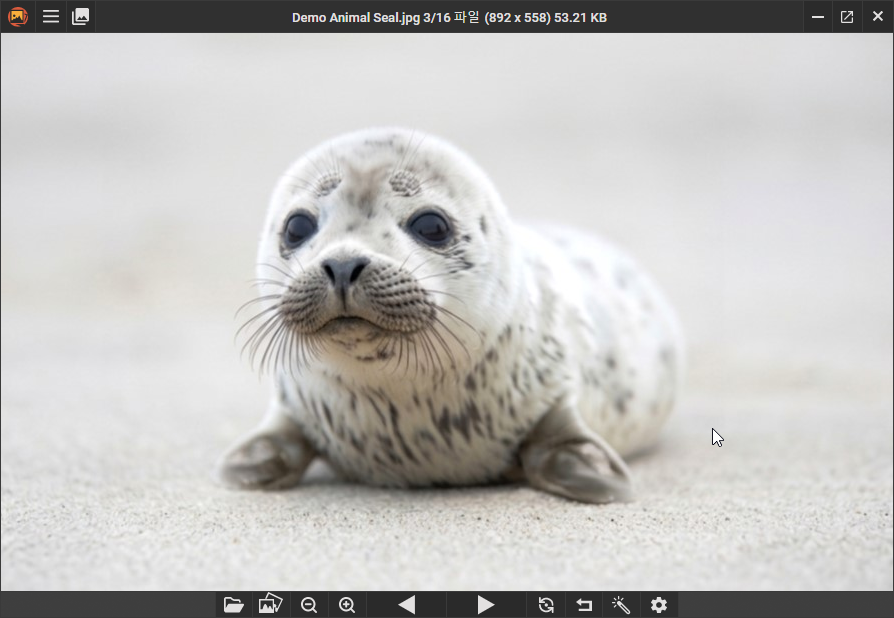
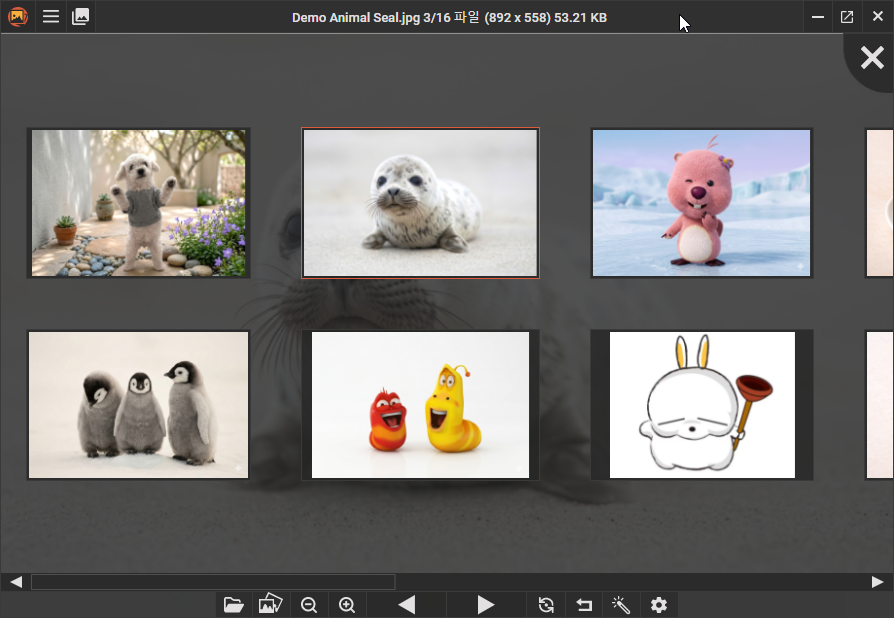
Best for: Users who browse large image collections and want the fastest possible navigation, or comic/manga readers who need archive support.
HoneyView — The Korean Favorite
HoneyView comes from Bandisoft, the company behind the popular Bandizip archiver. It’s completely free for both personal and business use, and it’s extremely fast and lightweight.
HoneyView’s standout features include GPS photo location mapping, bookmark support for frequently viewed folders, and excellent archive file support. It can open images directly inside ZIP and RAR files without extraction.
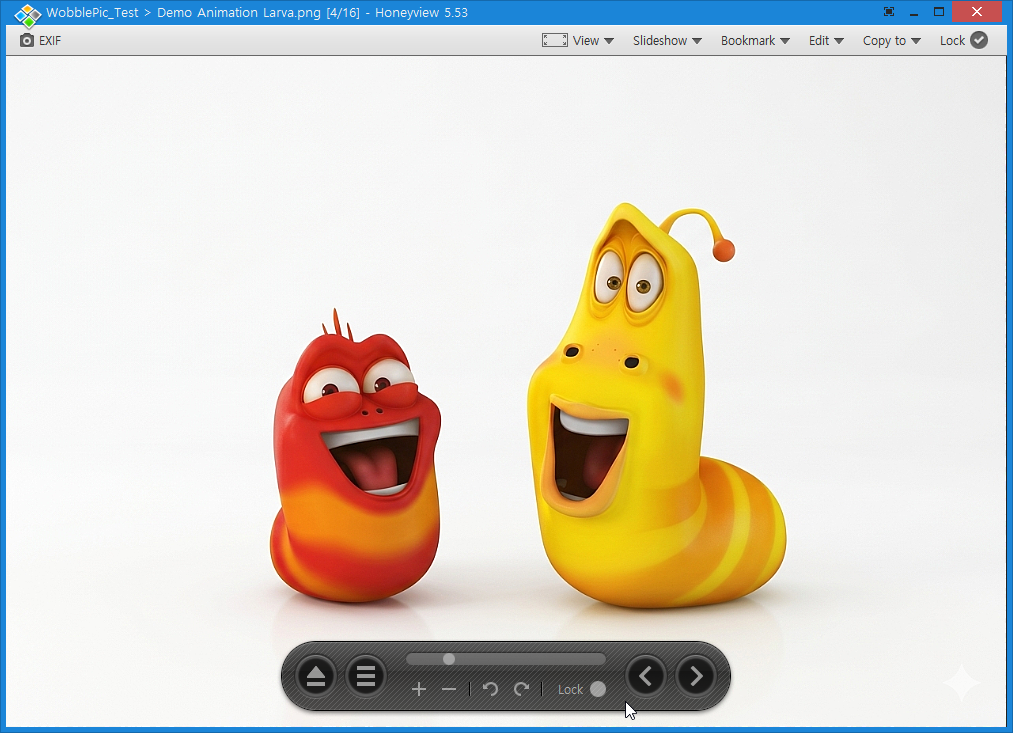
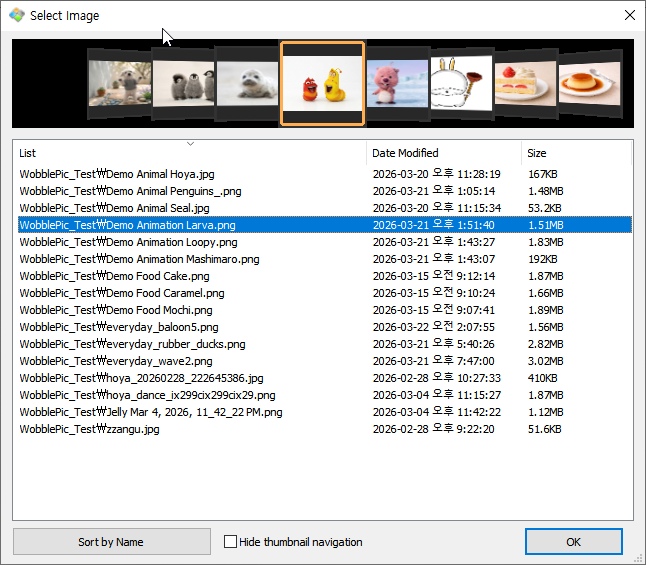
Best for: Users who want a reliable, no-nonsense viewer with good archive support and GPS photo mapping.
IrfanView — The Veteran
IrfanView has been around since 1996 and remains one of the most capable image viewers available. Its plugin system extends format support to over 500 file types, including PDF viewing, DICOM medical images, and virtually every RAW format.
Despite its age, IrfanView remains incredibly lightweight (~5-7MB) and fast. It supports batch conversion, scanner input (TWAIN), slideshow presentations, and extensive command-line options.
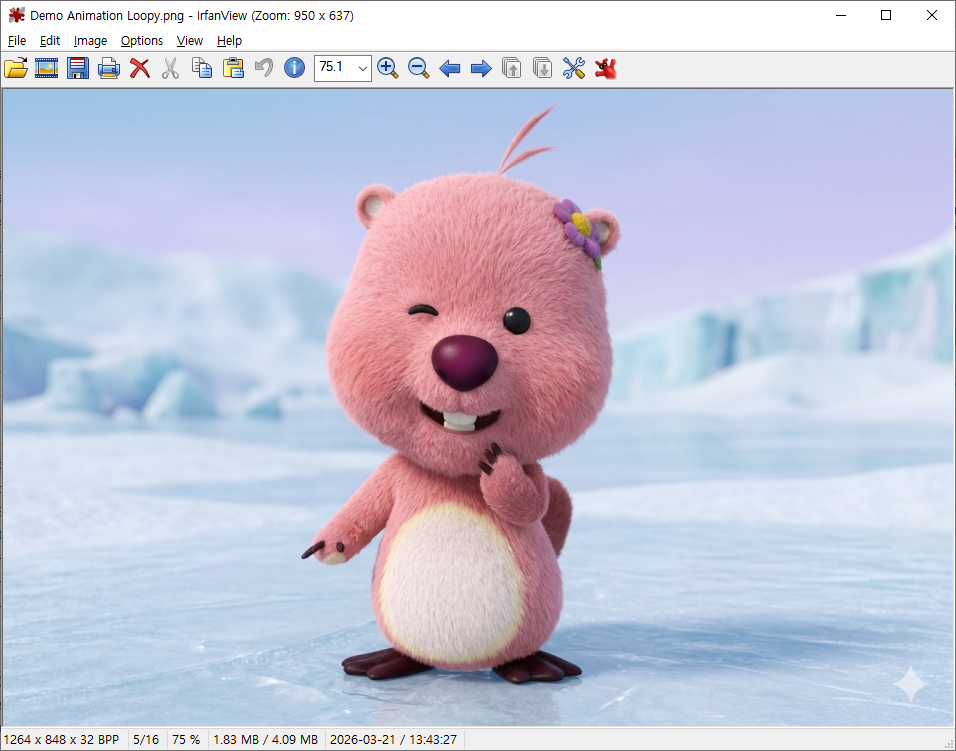
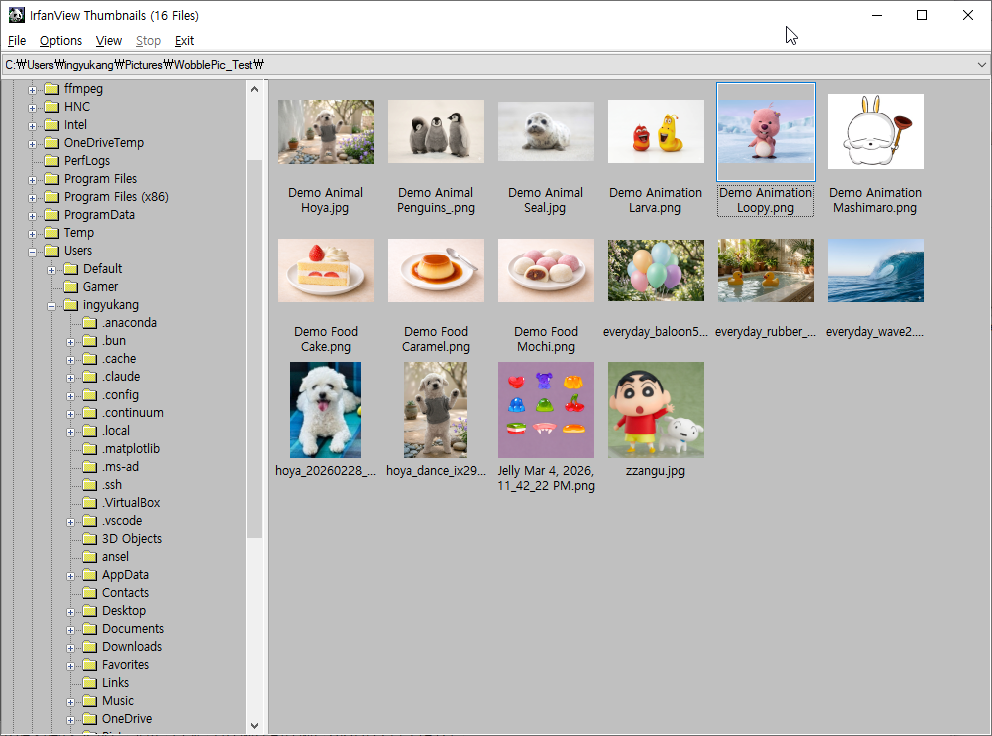
Best for: Power users who need maximum format compatibility and don’t mind a classic Windows UI.
FastStone Image Viewer — The Explorer
FastStone takes an explorer-style approach to image browsing, with a folder tree, thumbnail previews, and a full-screen slideshow with over 150 transition effects.
Its unique feature is the ability to compare up to 4 images side by side — invaluable for photographers choosing between similar shots. It also includes a built-in screen capture tool and supports lossless JPEG rotation.
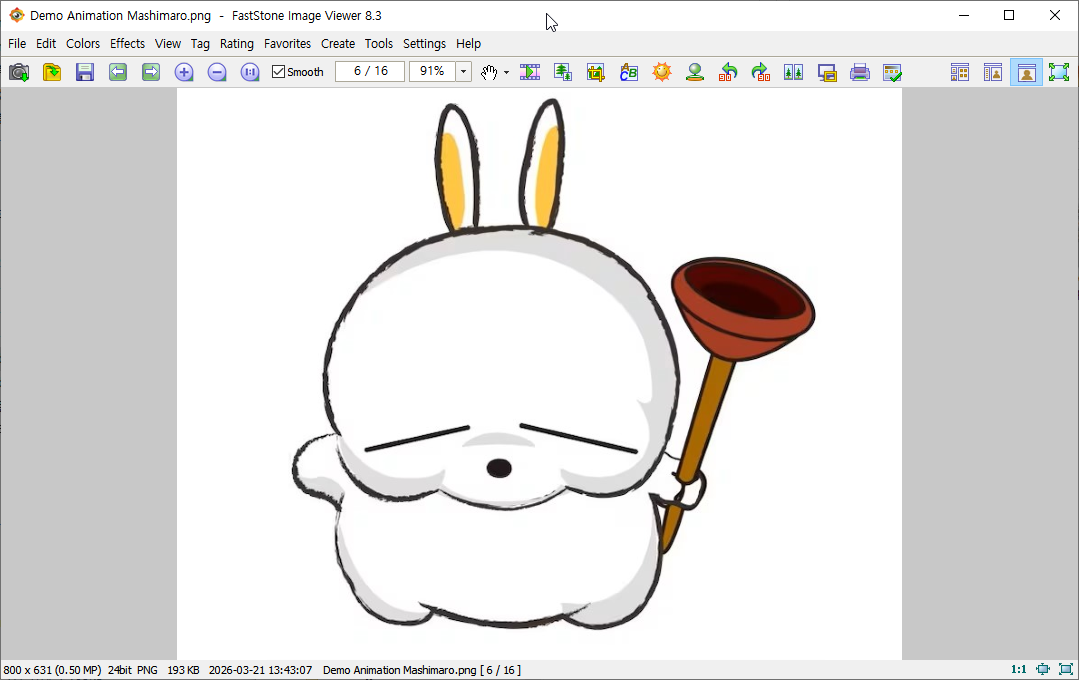
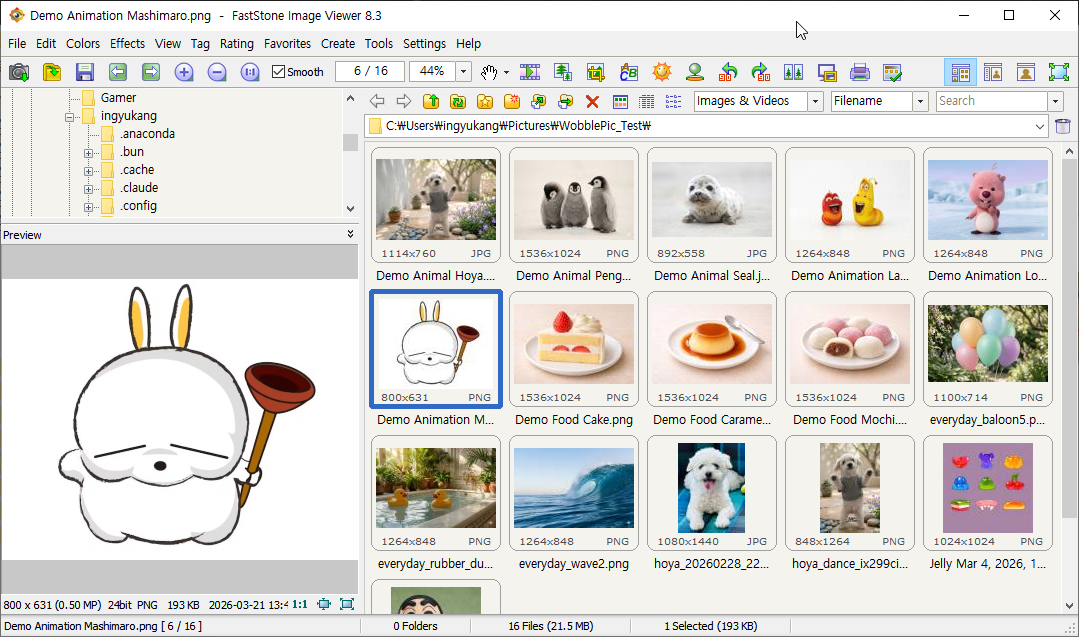
Best for: Photographers who want explorer-style browsing, image comparison, and basic editing in one package.
XnView MP — The Format King
XnView MP reads over 500 image formats and writes to 70+. It’s the most format-compatible viewer on this list, and the “MP” (Multi-Platform) version runs on Windows, macOS, and Linux.
XnView offers comprehensive metadata support — read, write, and edit EXIF, IPTC, and XMP data. It includes tabbed browsing, histogram viewing, batch processing, and a plugin system for even more capabilities.
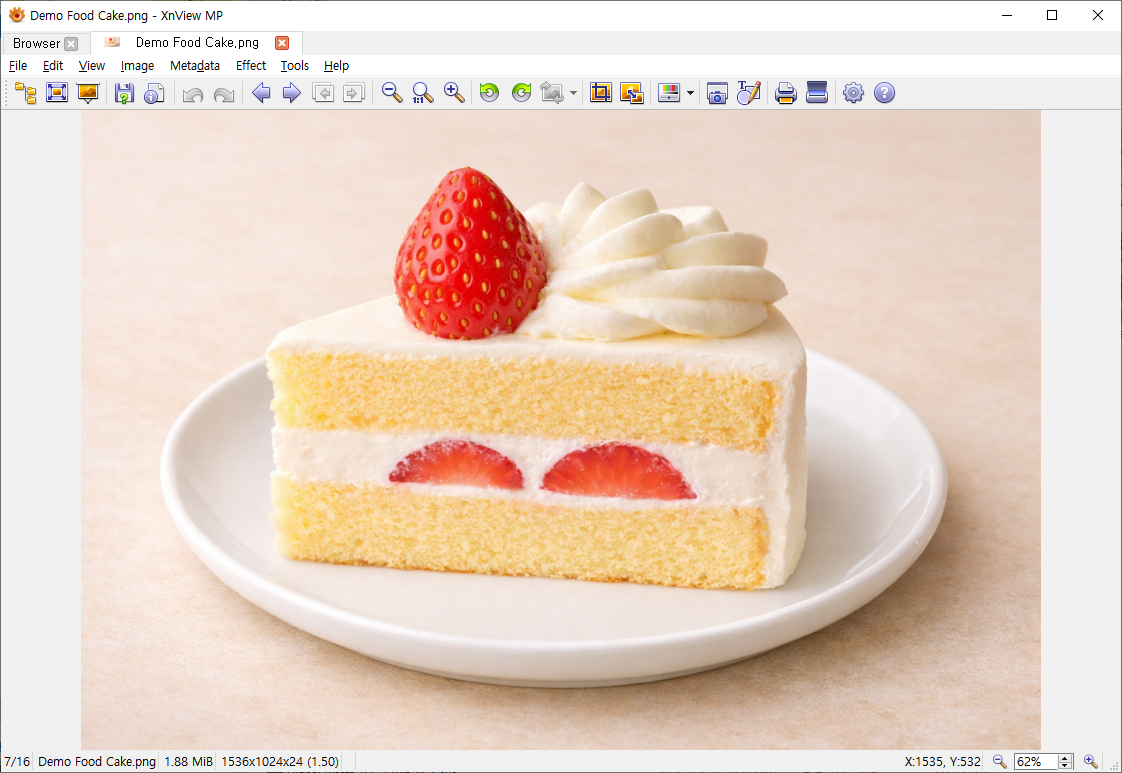
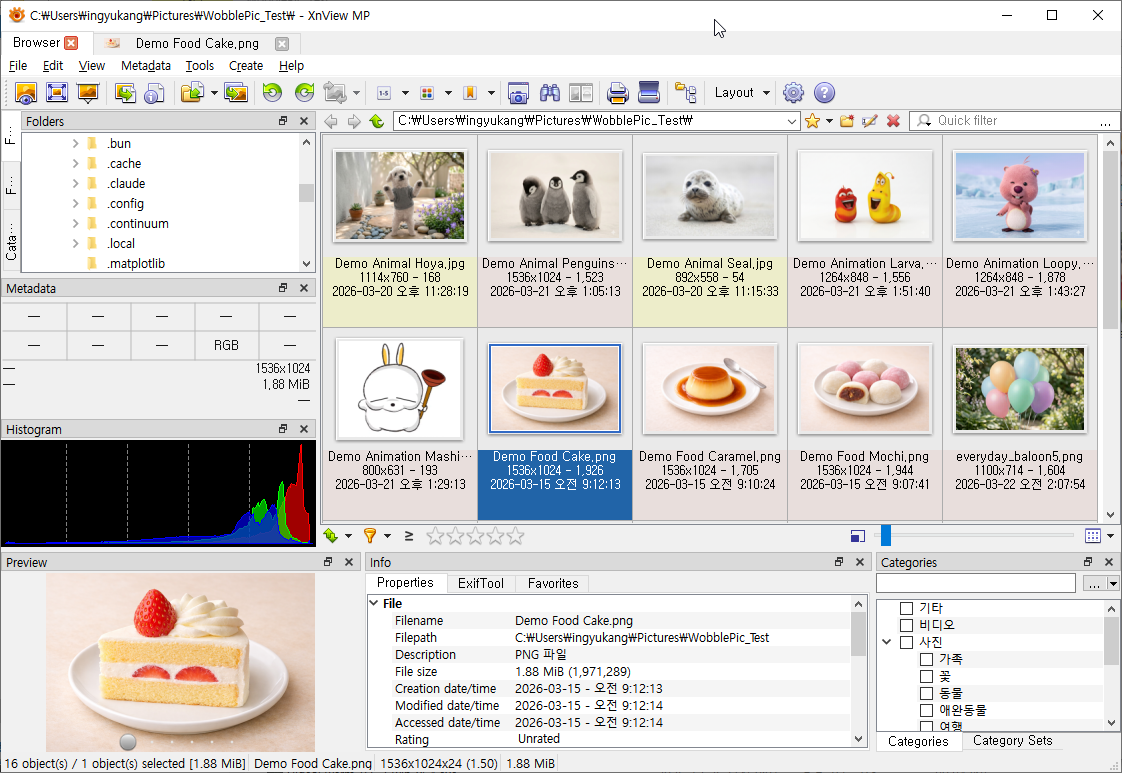
Best for: Users who work with unusual formats, need cross-platform support, or require advanced metadata management.
Imagine — The Animator
Imagine is a Korean-developed freeware viewer with a unique focus on animation. Beyond standard image viewing, it can create and edit animated GIFs, extract individual frames from animations, and even generate panoramic images.
It supports an impressive range of formats including modern ones like AVIF, HEIC, JXL, and WebP, plus animation-specific formats like ANI, FLC, and TGS (Telegram stickers).
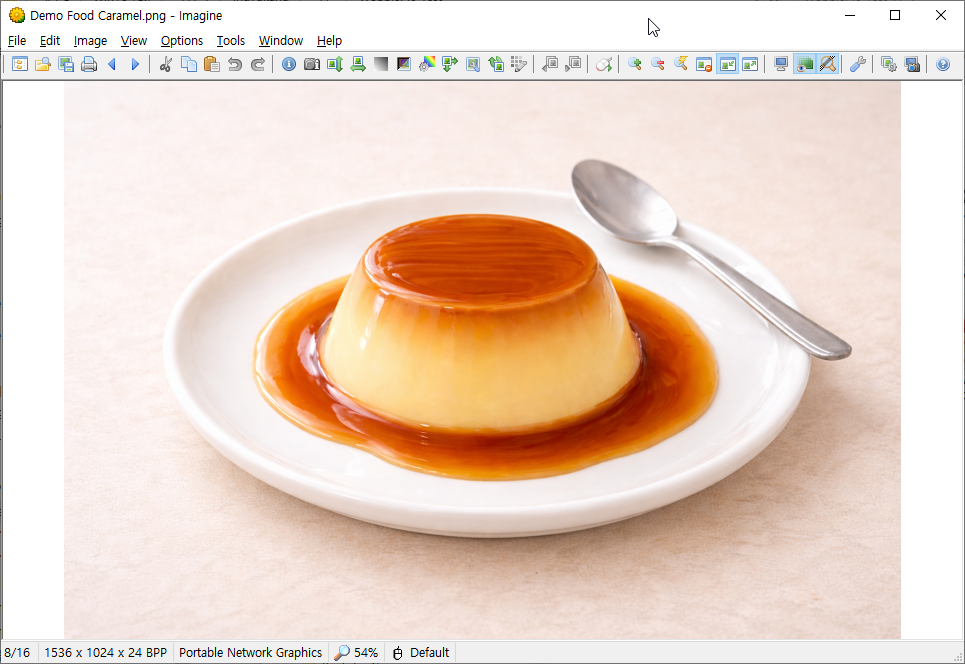
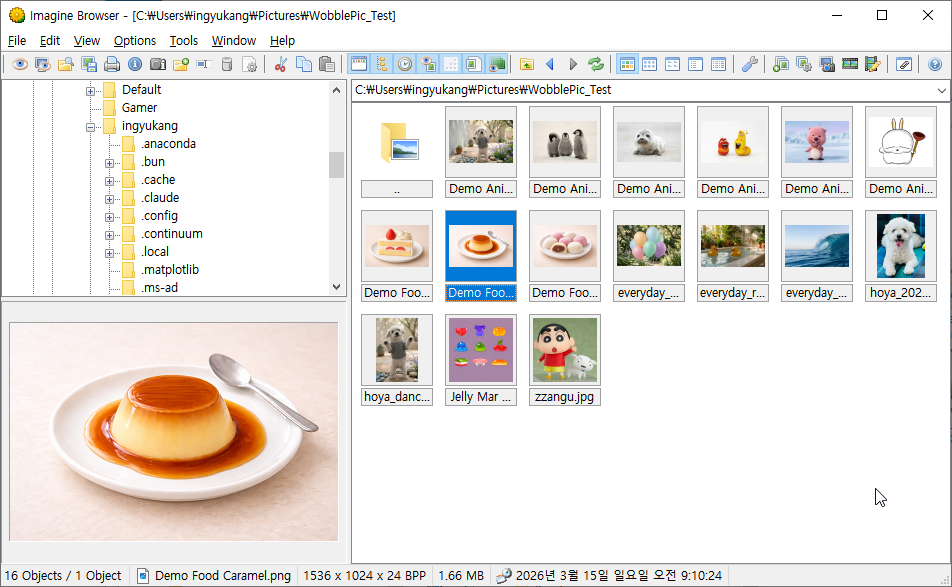
Best for: Users who work with animated images or need panorama creation alongside standard image viewing.
ImageGlass — The Modern Choice
ImageGlass is what the Windows Photos app should have been. It’s a modern, open-source viewer with a clean tabbed interface, extensive theme customization, and support for over 80 formats via the Magick.NET engine.
ImageGlass 9 introduced a tabbed UI, ICC color profile support, and touch screen compatibility. It’s highly customizable — themes, layouts, keyboard shortcuts, and external editor integration can all be configured.
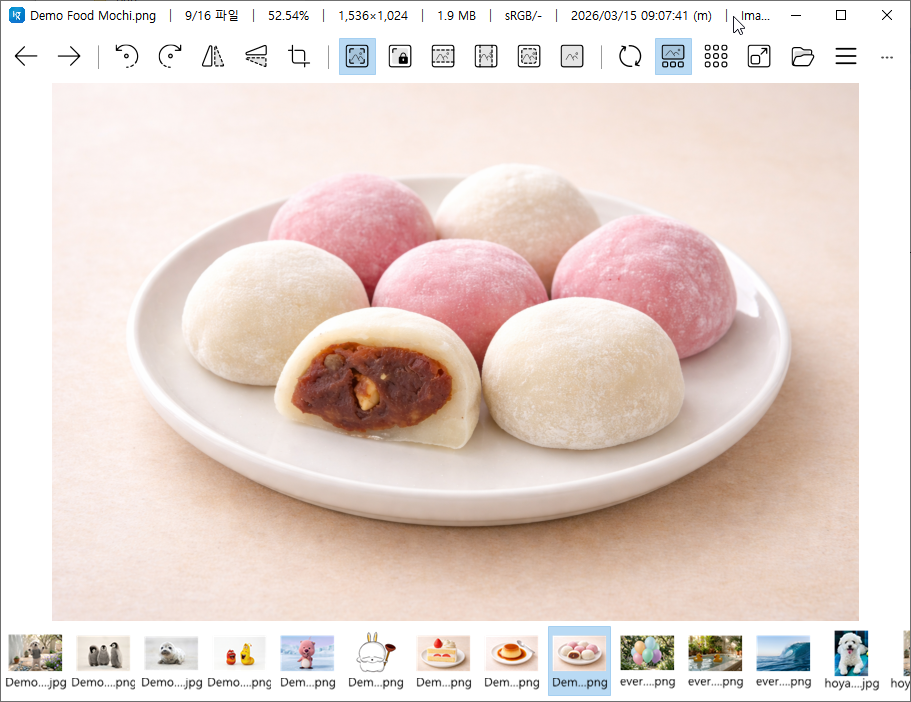
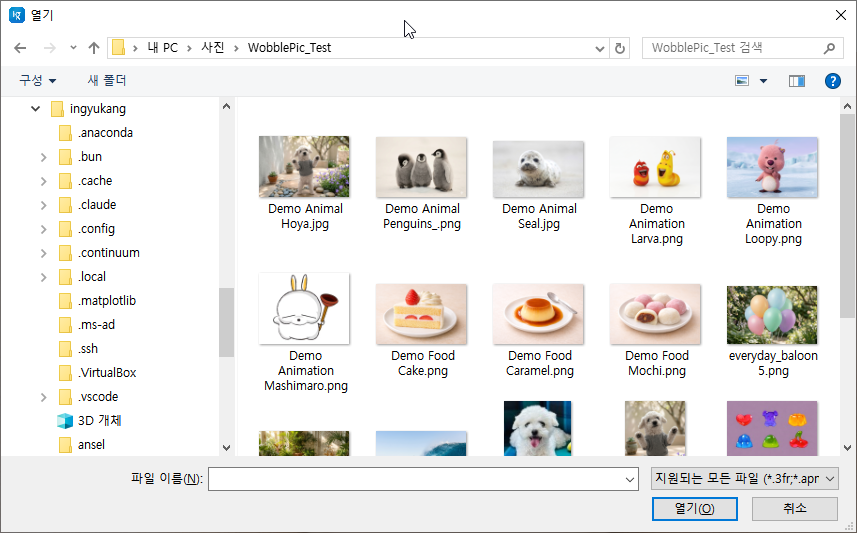
Best for: Users who want a modern, beautiful viewer with customization options and don’t mind Windows 10/11 only.
WobblePic — The Interactive One
Full disclosure: this one is ours, and it belongs on the list for a different reason than the rest. Every other viewer here competes on speed, formats, or interface. WobblePic competes by letting you grab the picture and pull it.
Click and drag any part of an image — it stretches like rubber skin, then bounces back with spring dynamics, inertia, and damping. The effect is oddly satisfying and genuinely fun.
The wobble is the reason it exists, but the rest of the viewer is real:
- AI-Powered Segmentation — Click an object and SAM2 finds its boundary. Only that object wobbles; the background stays anchored. Runs locally, accelerated by DirectML on Windows GPUs (AMD, NVIDIA, Intel)
- GPU-Accelerated Rendering — OpenGL shader-based mesh deformation at 60fps
- Recording — Capture a wobble with Ctrl+R and save it as MP4, GIF, or WebP. MP4 is the default and uploads straight to Instagram, TikTok and X
- Built-in File Explorer — Directory tree and file list with right-click context menus, rename, clipboard support
- Animated Playback — Opens animated WebP, GIF and APNG with a frame control bar
- Settings Panel — Elasticity, bounce, selection range, and named wobble presets, adjustable in real time
- Pin Deformation — Hold a deformation in place with up to four pins and keep interacting around them
- Wide Format Support — JPG, JFIF, PNG, BMP, GIF, WebP, TIFF, AVIF, HEIC/HEIF
WobblePic is completely free, with an optional $3 ad-free license that also unlocks premium features like the directory tree panel.
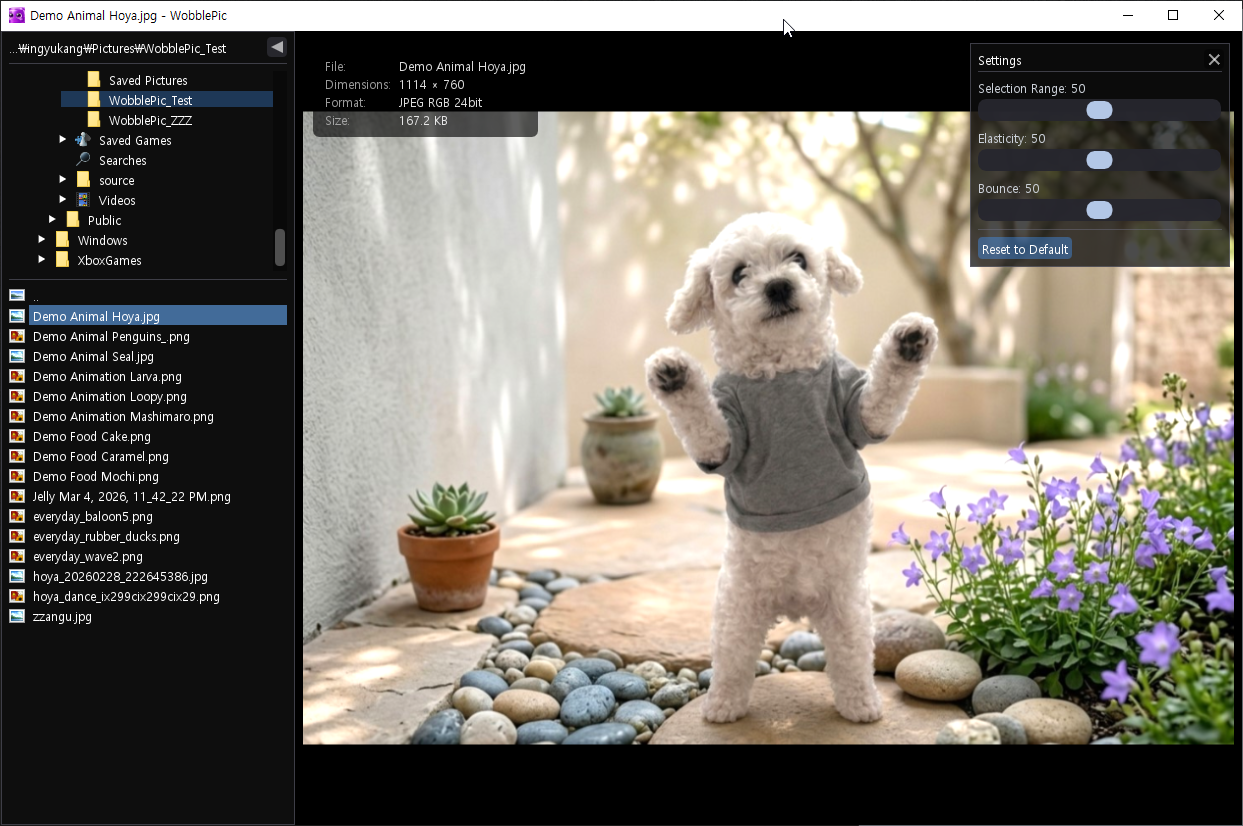
Best for: Anyone who wants a genuinely unique, interactive way to view images — and doesn’t mind their photos jiggling.
Which One Should You Choose?
It depends on what matters most to you:
- Pure speed: JPEGView or PicView
- Maximum formats: XnView MP or IrfanView
- Modern UI: ImageGlass
- Photo management: FastStone
- Archive/comic viewing: PicView or HoneyView
- Animation work: Imagine
- Something completely different: WobblePic
All of these are free for personal use and most are portable, so the cost of trying three and keeping one is an afternoon at most. That is worth doing: an image viewer is a program you open dozens of times a day without thinking about it, and the difference between one that suits you and one that merely works is small each time and large over a year.