WobblePic opens like an image viewer and then does something no image viewer does: it lets you grab the picture and pull. That turns out to be useful well beyond the novelty of it — here are five uses that have come back to us repeatedly, from feeds to classrooms.
1. Create Eye-Catching Social Media Content
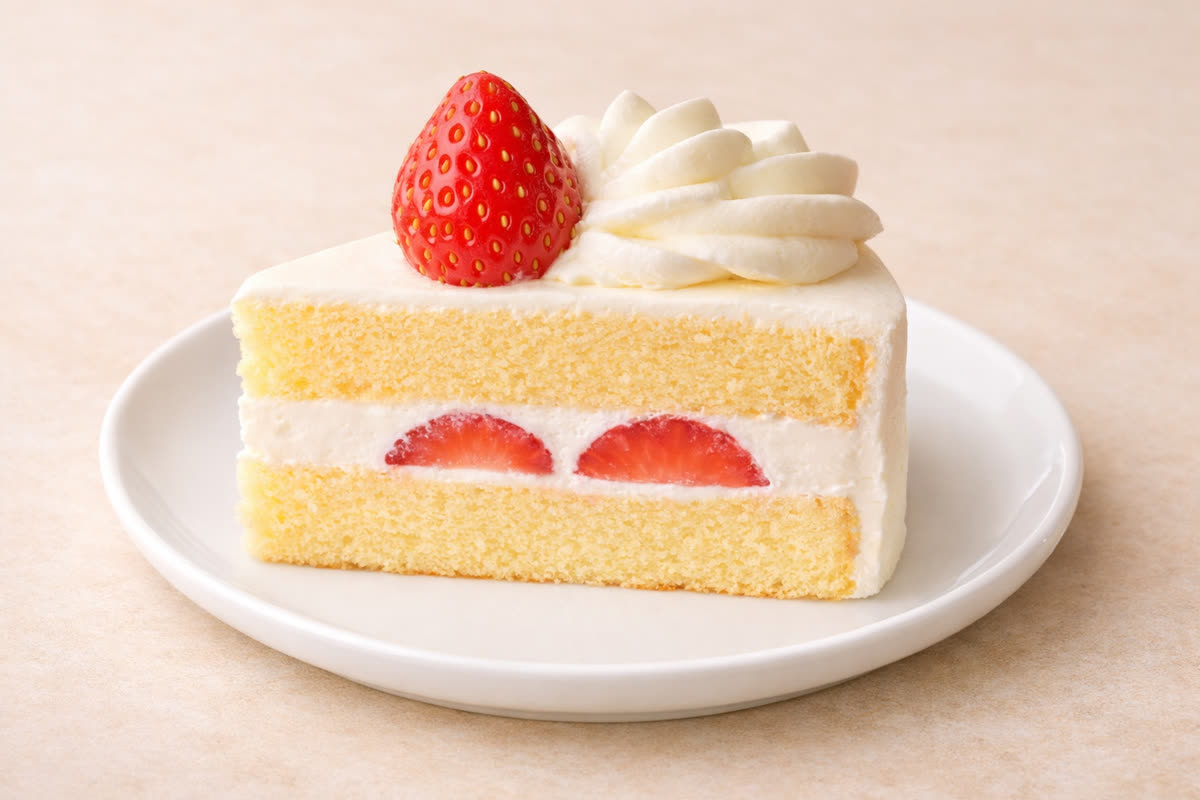
In the scroll-heavy world of social media, motion catches attention. Static images blend into the endless feed, but a wobbling, jiggling image stops thumbs in their tracks.
WobblePic is perfect for creating short, attention-grabbing clips for platforms like Instagram, TikTok, X (Twitter), and YouTube Shorts. Here’s how to make the most of it:
Food content is a natural fit. Record yourself wobbling a photo of a freshly baked cake, a bowl of ramen, or a stack of pancakes. The jelly-like jiggle makes food look irresistibly satisfying — it’s the visual equivalent of ASMR. Food bloggers and restaurant accounts can use this to showcase their dishes in a way that stands out from standard food photography.
Pet and animal photos are another winner. Segment your cat’s face and give it a playful wobble, or make a puppy’s cheeks jiggle. These clips are inherently shareable — people love cute animals, and wobbling cute animals are even better.
Product showcases can benefit too. If you’re selling handmade crafts, plush toys, or any product with an appealing texture, a wobble effect can convey softness and quality in a way that static images cannot.
Pro tip: Use AI segmentation to isolate the subject from the background. A wobbling product against a still background looks polished and intentional, not like a random filter effect.
2. Add Life to Presentation Slides
Death by PowerPoint is real, and one of the main culprits is slide after slide of static images and bullet points. WobblePic offers a way to break the monotony.
Before your next presentation, take key images from your slides and record short wobble clips in WobblePic. Then embed those clips in your slides as looping videos. A product photo that subtly wobbles draws attention. A mascot character that jiggles when you reach its slide gets a laugh. A data visualization icon that bounces adds energy.
This technique works especially well for:
- Startup pitch decks: Make your product screenshots feel dynamic and alive. When you show your app’s interface, a gentle wobble conveys interactivity without needing a full live demo.
- Educational presentations: If you’re explaining a concept with visual aids, wobbling an illustration signals “pay attention to this” more effectively than a red circle or an arrow.
- Internal team meetings: Lighten the mood of a Monday morning standup by wobbling the team photo or the company logo. Small moments of levity improve engagement.
The key is subtlety. A gentle, brief wobble adds charm. An aggressive, constant jiggle becomes distracting. Use it as a spice, not the main course.
3. Level Up Your Meme Game

Memes are the lingua franca of the internet, and the best memes add something unexpected. WobblePic gives you a tool that most meme creators don’t have — physics-based humor.
Think about the comedic potential: take a well-known meme template, segment the subject’s face, and give it a dramatic wobble. The physics-based deformation adds a layer of absurdity that plain image editing tools can’t replicate. The wobble looks organic and unpredictable, which makes it funnier than a carefully crafted distortion.
Some ideas to get started:
- Reaction memes: Wobble a celebrity reaction face for exaggerated emotional effect. The jiggling amplifies the emotion — surprise becomes shock, mild annoyance becomes dramatic outrage.
- Before/after memes: Show a static “before” image and then cut to the wobbling “after” version. The contrast between stillness and sudden chaotic jiggling is inherently funny.
- Character wobbles: Take a beloved cartoon or game character and make them wobble. The combination of a familiar face with unexpected physics creates instant comedy.
- Text wobble: Overlay text on an image, then wobble the whole thing. The distorted text adds to the chaotic energy that makes memes memorable.
The gallery on the WobblePic website has examples of animated characters and other images being wobbled — perfect for inspiration.
4. Teach Physics Concepts in the Classroom
The equation running behind the wobble is the one on the board in every first-year mechanics course: a mass on a spring with damping, a = -k·x - c·v. WobblePic just solves it a few hundred thousand times a frame, on a photograph, with the parameters exposed as sliders.
Here’s how educators can use WobblePic:
Demonstrating Hooke’s Law: Load an image and drag it slowly. Students can observe how the restoring force increases with displacement — pull further and the image springs back more aggressively. This is Hooke’s Law in action, visualized in a way that’s far more engaging than a graph on a whiteboard.
Exploring damping: After releasing a wobbled image, watch how the oscillation gradually decreases. This is a real-time demonstration of damped harmonic motion. You can discuss why the wobble doesn’t continue forever (energy dissipation through damping forces) and relate it to real-world examples like car suspensions and building shock absorbers.
Seeing the damping ratio directly: The Bounce slider is not an arbitrary “more wobble” control — it sets the damping ratio ζ of the system, with the damping coefficient derived as c = ζ·2√k. Slide it to the bottom and ζ = 1, critical damping: the image returns to rest in a single motion with no oscillation at all. Move it up and the same picture rings for a second or more. Students can watch the underdamped, critically damped, and overdamped regimes on the same image in about ten seconds, which is hard to arrange with a spring and a stand.
One thing to be clear about with students: the deformation here does not propagate. Each point of the image is an independent damped oscillator anchored to where it started — there are no springs between neighbouring points, so nothing travels across the picture. That makes it an excellent demonstration of simple harmonic motion and a poor one for waves. If waves are the lesson, a rope or a ripple tank is the honest tool.
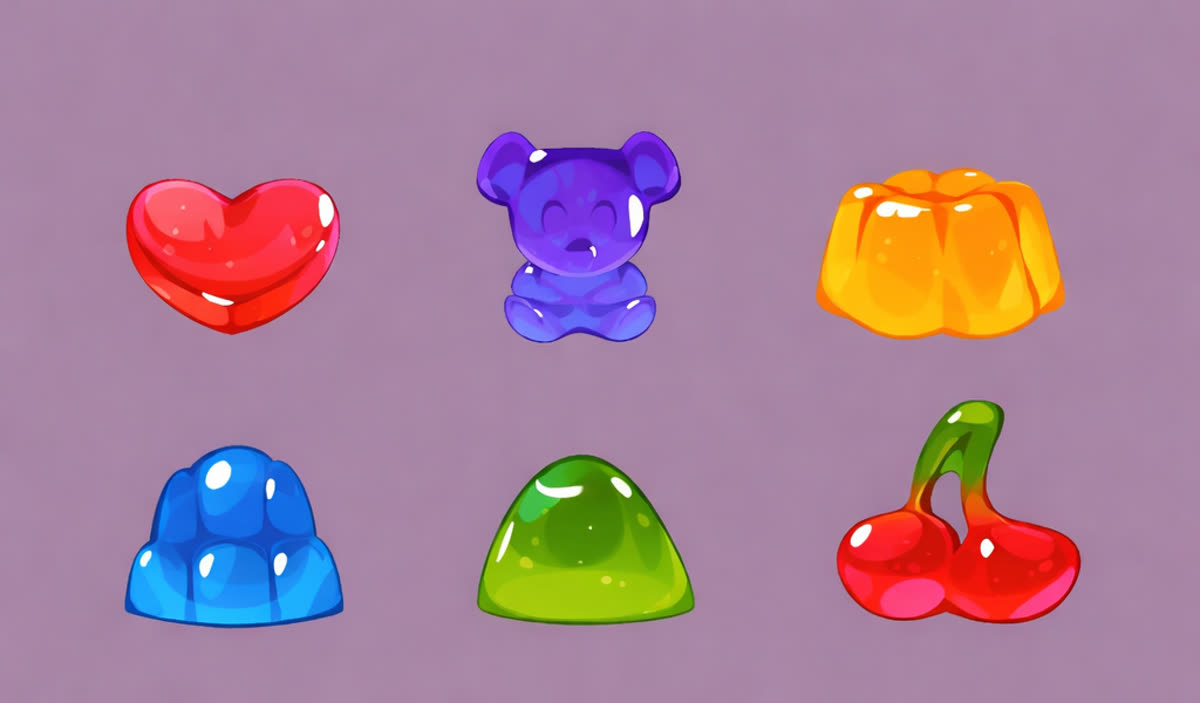
Comparing materials: Different parameter settings in WobblePic simulate different materials. A stiff, quickly-damped wobble behaves like rubber. A loose, long-lasting wobble behaves like jelly. This helps students build intuition about material properties like elasticity and viscosity.
For younger students, the sheer fun factor of wobbling images keeps them engaged while they absorb physics concepts almost by accident. For older students and university undergrads, WobblePic serves as a concrete visualization of the mathematical models they study in textbooks.
5. Find Inspiration for Art and Animation
Artists and animators can use WobblePic as an ideation and reference tool for understanding how deformation looks and feels.
Animation reference: One of the hardest things to animate convincingly is squash-and-stretch — the fundamental animation principle where objects deform as they move. WobblePic generates squash-and-stretch deformation in real time based on actual physics. Animators can load their character designs, wobble them, and observe how the physics-based deformation looks from different starting positions and with different forces. This can inform timing, spacing, and exaggeration decisions.
Motion study: Load a photograph of a subject you’re planning to draw or paint, and wobble it. The way the physics distort the image can reveal visual rhythms and flow lines that aren’t obvious in the static version. Where does the eye travel when the image is in motion? Which parts feel heavy? Which feel light? These observations can feed back into your static compositions.
Texture and material exploration: If you’re designing a character or object that’s meant to feel soft, wobbly, or elastic, seeing your concept art actually wobble can validate (or challenge) your design choices. A character that looks soft but wobbles stiffly might need rounder shapes or smoother contours.
Happy accidents: Sometimes the most creative outcomes come from unexpected deformations. Wobble an image with extreme settings and see what emerges. The distorted forms can spark ideas for surreal artwork, abstract compositions, or stylized character poses that you would never arrive at through deliberate planning.
Storyboarding: For animated sequences that involve impacts, bounces, or squishy movements, WobblePic can serve as a quick prototyping tool. Load your storyboard frame, wobble it, and see if the implied motion reads correctly before committing to full animation.
Getting Started
Every use above starts the same way: open an image, click the subject to segment it, drag, and press Ctrl+R to record. Recordings save as MP4 by default, which is the format Instagram, TikTok and X accept, so a clip goes from photo to upload without a converter in between.
The tutorial covers the controls in order, and WobblePic is free for Windows and macOS.