There is no shortage of ways to make a still image move. The useful question is not which tool is best but where the motion comes from, because that single choice decides everything downstream: how much control you get, how long it takes, whether you can reproduce the result tomorrow, and what you end up holding at the end — a video file, a web page, or an interaction.
Five answers, in the order of how much of the motion you personally specify.
1. Physics decides — WobblePic
Platform: Windows, macOS (free)
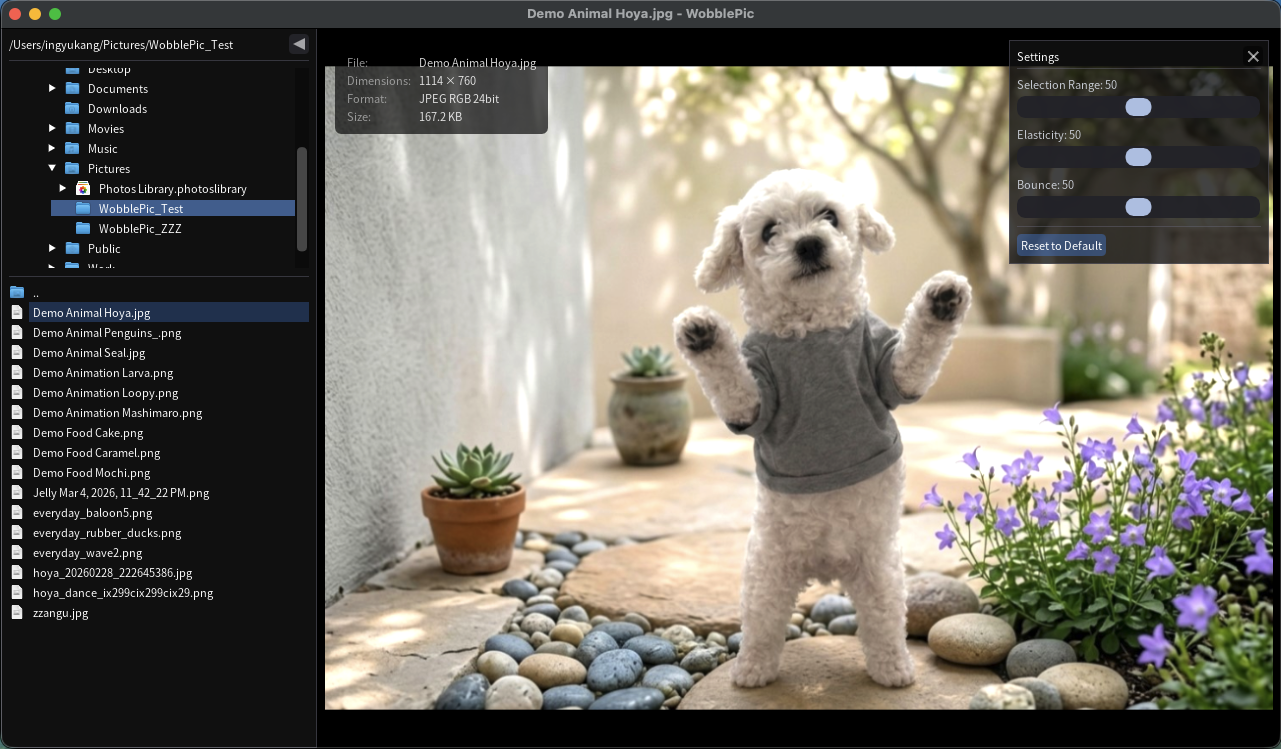
You do not author the motion here; you provoke it. Grab part of an image, pull, and let go — a spring simulation decides how it stretches, overshoots and settles, at whatever framerate your machine can draw. SAM2 segmentation confines the deformation to the object you clicked, so a dog’s ears flop while the rest of the photo stays anchored.
The consequence of physics rather than keyframes is that the same gesture gives the same result and no gesture is precisely repeatable. That is a poor fit for a client storyboard and a good one for exploration: you find the wobble you want by feel, in seconds, rather than by tuning curves. Ctrl+R records the session — drag, pins, and post-release bounce — straight to MP4, which uploads to Instagram, TikTok or X without a conversion step.
Where it stops is equally clear. The vocabulary is deformation and nothing else: no camera moves, no compositing, no timeline. If what you want is a photo that behaves like jelly, this is the shortest path to it. If you want anything else to happen in the frame, it is the wrong category entirely.
(Disclosure: WobblePic is ours. It leads the list because it is the clearest example of the physics approach, not because it is the most capable tool here — item 2 is.)
2. You decide, frame by frame — After Effects and motion graphics
Platform: Windows, macOS · Adobe Creative Cloud subscription
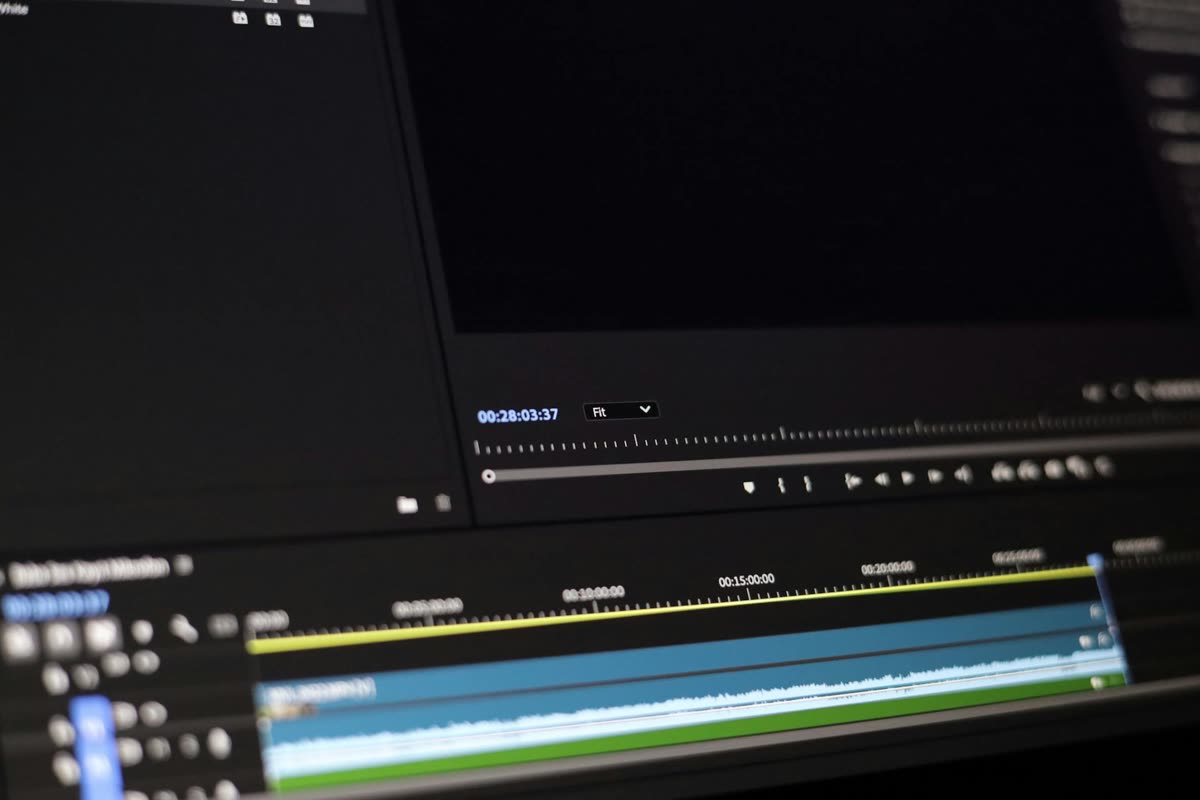
At the other end is total authorship. After Effects’ puppet pin tool pins an image to a deformable mesh and interpolates between the positions you set, and the mesh warp and expression systems will do anything you can describe. Add camera tools and a single photograph becomes a parallax shot. Apple Motion and DaVinci Resolve Fusion (free tier) cover the same ground with node-based compositing.
The cost is not really the subscription — it is that nothing happens until you specify it. Every motion is a decision, and a five-second clip is a lot of decisions. In exchange you get exact repeatability, frame-accurate timing, and output at whatever resolution the job demands, which is why it remains the professional default despite everything below it being faster.
Reach for this when someone is paying for the result, or when the motion has to hit a specific beat. Avoid it when you are still deciding what you want the image to do.
3. A model decides — generative AI animation
Platform: Web, mobile · freemium
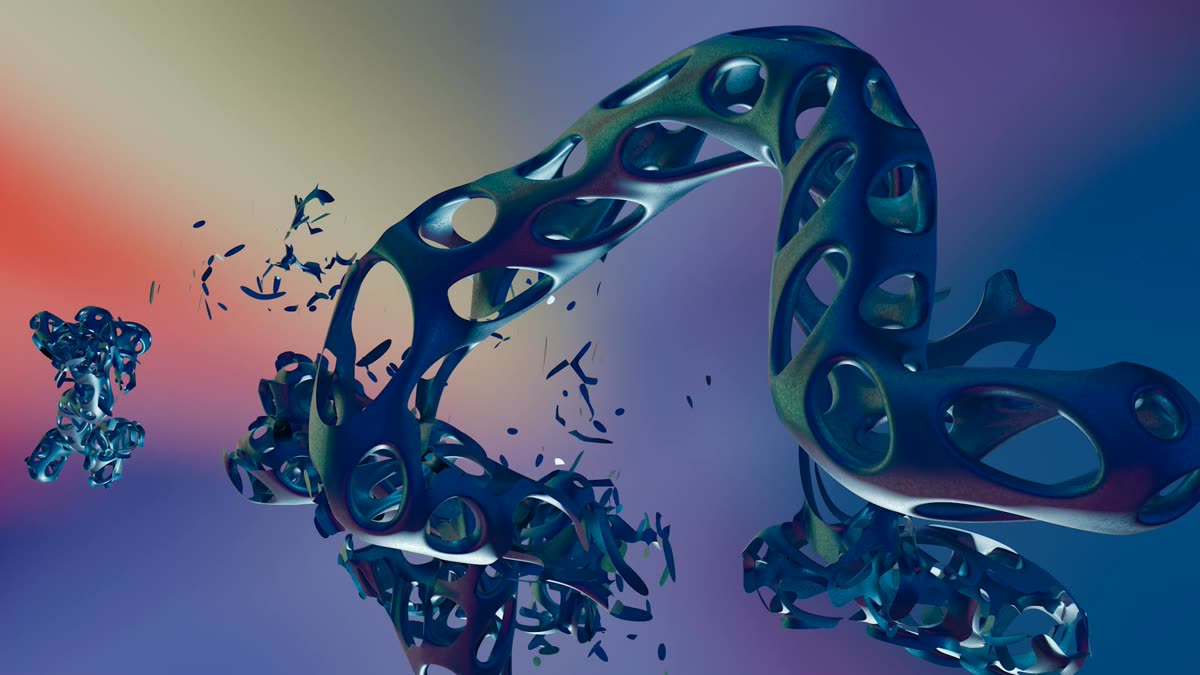
Runway, Pika, Stable Video Diffusion and Luma Dream Machine take a still image and invent a few seconds of plausible video from it — water flows, clouds drift, hair moves. MyHeritage Deep Nostalgia made the idea famous by animating faces in old family photographs, and the category has expanded to whole scenes since.
The trade here is unusual and worth naming precisely: you get motion you could never have authored by hand, and you give up knowing what you will get. Results are non-deterministic, so the same image and the same prompt can produce a different clip on the second run — you cannot iterate toward a target, only re-roll and pick. Control over what moves is coarse, artifacts appear in the parts of the frame you were not looking at, and the images go to someone else’s servers, which rules the category out for anything confidential.
Best when the subject is atmospheric — weather, water, crowds, texture — and nobody will notice if a detail is invented. Worst when a specific thing must move in a specific way.
4. Code decides at runtime — CSS and web animation
Platform: Browser · free to freemium
If the image lives on a web page, the motion can be described rather than rendered. CSS keyframes handle bounce and shake for nothing; GSAP and Framer Motion add sequencing and physics-flavoured easing; Lottie plays vector animations exported from other tools; Rive and SVGator give you a timeline editor that outputs to the web directly.
The distinguishing property is not performance but interactivity: this is the only category on the list where the motion can respond to the viewer — on hover, on scroll, on tap — because it is being computed while they watch rather than played back. It also ships no video file, which on an image-heavy page is a larger saving than any codec choice.
The limits are equally structural. There is no artifact to share — you cannot send someone a CSS animation, only a URL — and photographic deformation is out of reach without dropping into WebGL, at which point you are writing a renderer rather than styling a page.
5. You paint the direction, the app fills in — mobile apps
Platform: iOS, Android · freemium, typically $4–10/mo

Motionleap (Lightricks), PixaMotion and Zoetropic split the difference: you drag arrows across the parts of the image that should move and pin the parts that should not, and the app synthesizes the flow between them. Most bundle overlays — rain, snow, particles — and export straight to social platforms.
This is the fastest route from photo to posted clip, usually under a minute, and the interaction is genuinely well designed: painting motion onto an image is more intuitive than any keyframe editor. What you are buying is a narrow kind of motion — directional flow, applied to regions. There is no simulation and no generation, so anything that needs to bounce, collide or deform is out of scope, and the shared effect library means output from these apps has a recognisable look.
Choosing
| If you want to | Look at |
|---|---|
| Explore how an image responds, by feel | WobblePic |
| Deliver an exact result to someone else’s brief | After Effects |
| Get motion you could not author yourself | Runway, Pika |
| Make motion respond to the viewer | CSS, GSAP, Rive |
| Post something in the next five minutes | Motionleap |
The categories are less competitive than the list format suggests, because they produce different things. Physics gives you an interaction, keyframes give you a file, generative models give you a draft, web animation gives you behaviour, and mobile apps give you a post. Picking well is mostly a matter of being honest about which of those you actually need — and noticing when the answer changes halfway through a project, which it often does.
Stock photos courtesy of Pexels: video editing timeline by Abdulkadir Emiroğlu, abstract 3D render by Steve A Johnson, code editor by Markus Spiske, mobile photo editing by Anna Nekrashevich.